Podbean | Where do I view my podcast download numbers?
Modified on: Wed, 8 Mar, 2017 at 10:26 PM
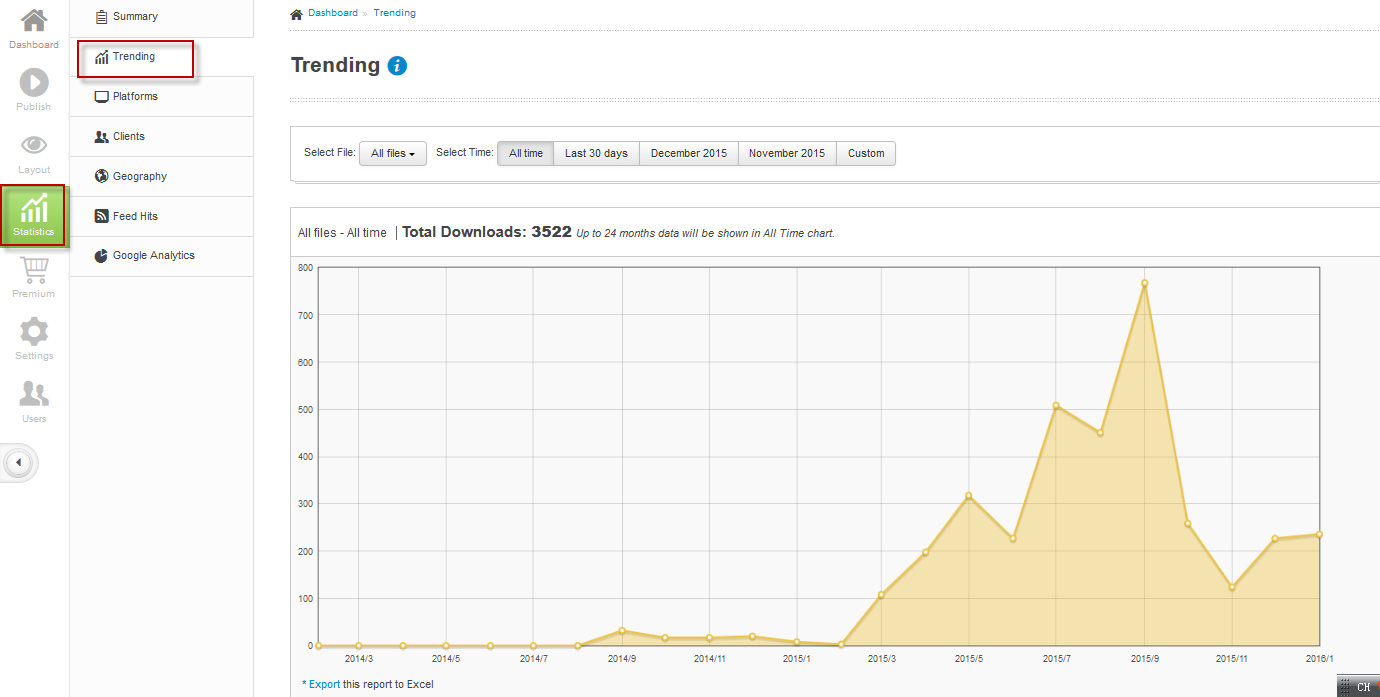
Go to your dashboard->Statistics. View the Summary or Trending tab for download numbers. Under the “Trending” tab you can manipulate the range of dates you want to view or select particular episodes (files) to view. All paid accounts have free, enhanced statistics to view downloads and additional details about their audience (see also Four Key Statistics to Understand Your Podcast Audience).?
Did you find it helpful?
Yes
No
Send feedback Sorry we couldn't be helpful. Help us improve this article with your feedback.
